Doesn’t Windows already have a Steps Recorder?
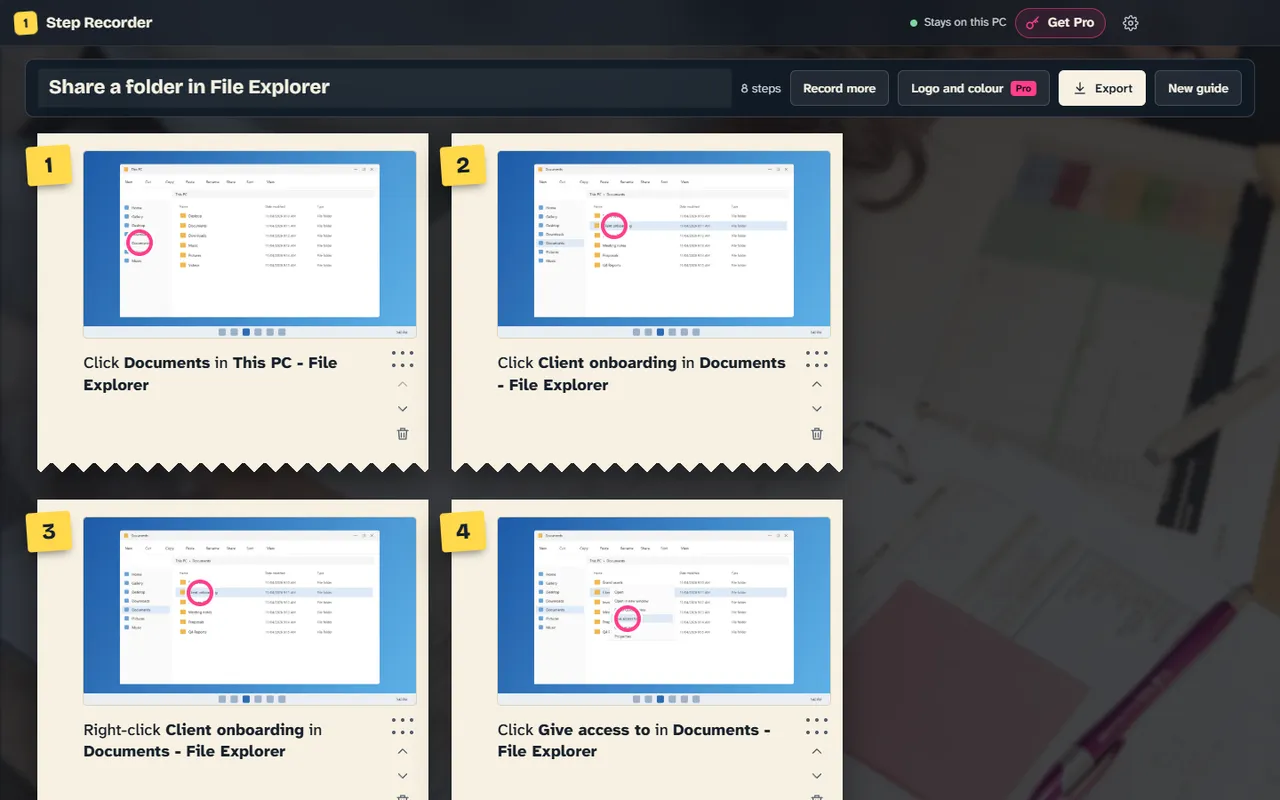
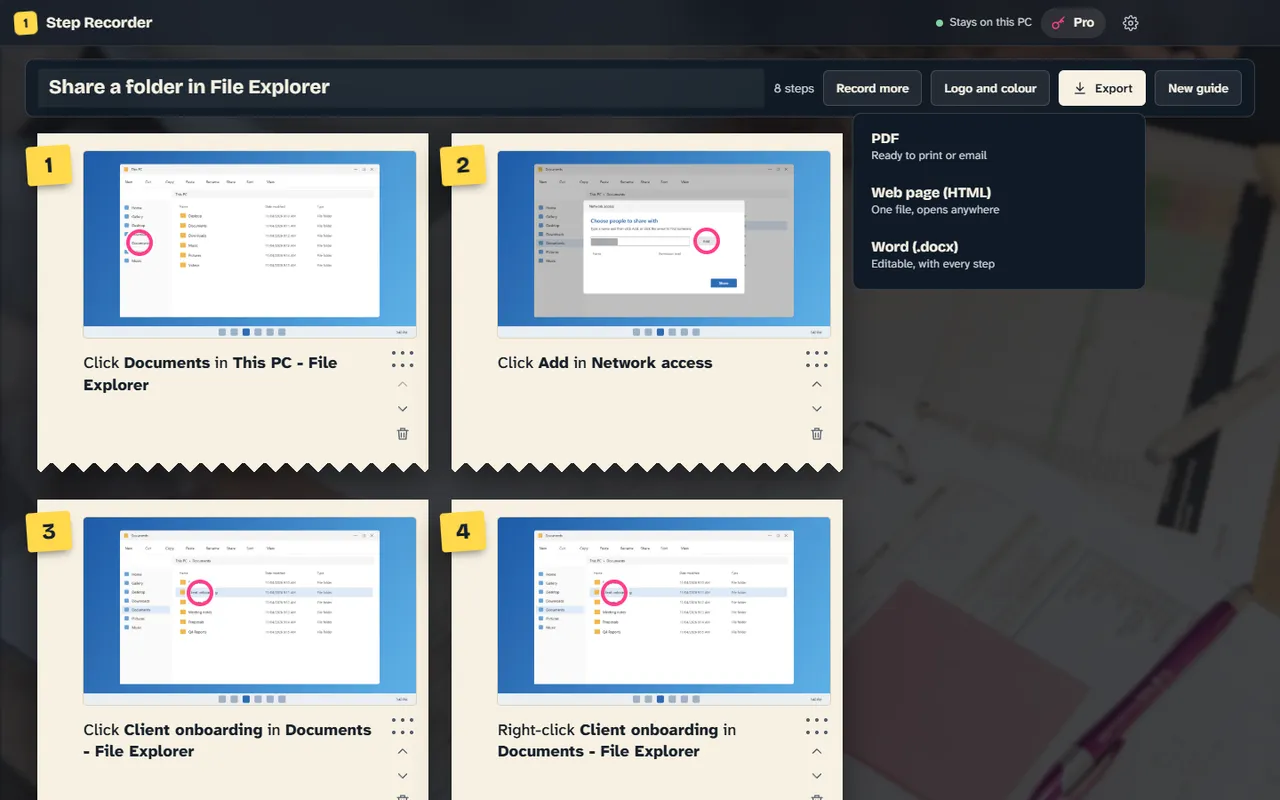
It does (psr.exe), and Microsoft is retiring it. It saves a single old-style web archive with little control over the result. Step Recorder lets you rewrite and reorder the steps, crop a screenshot, and export a clean PDF or HTML file, and with Pro a Word document with your logo.
Does anything leave my PC?
No. Screenshots are taken, edited and exported on your PC, and nothing is uploaded. The only network traffic is license activation if you buy Pro, and the news line, which is off unless you turn it on.
What does it record?
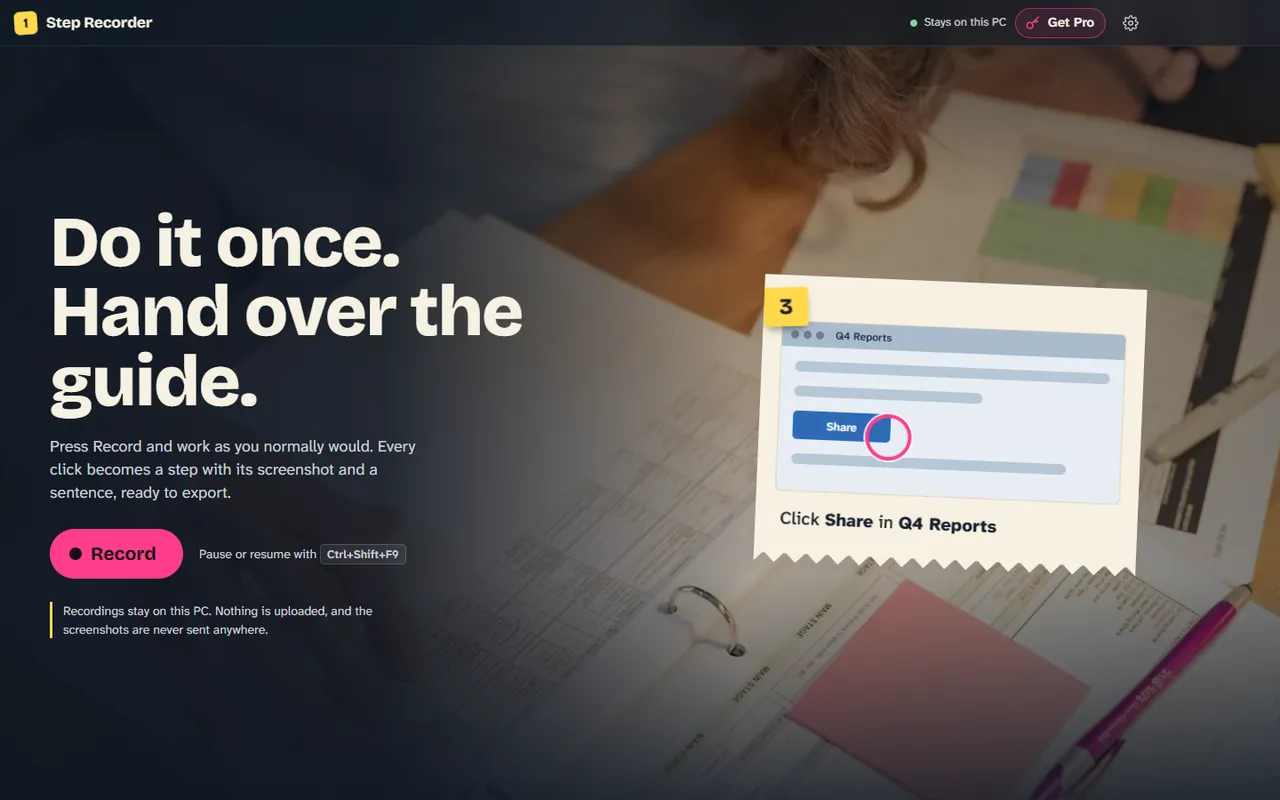
Only while you have pressed Record, and not while paused: the position of each mouse click, a screenshot of that screen, the title of the window under the click and, when it has a short one, the name of the button or control. It does not record what you type, and it never records clicks on its own windows.
Can I hide a password or a name?
With Pro, yes: draw over any area of a screenshot and it is blocked out in the pixels of every export, so it cannot be recovered. Free guides show screenshots as they were taken, so check them before you share.
Is it free?
Yes, to record, edit and export to PDF and HTML, for any length. Word export is free for the first 5 steps. Pro adds the whole guide in Word, blurring and your logo and colour for $9.99 once.
Does it work with more than one screen?
Yes. Each click takes a screenshot of the screen it happened on.
What does Pro cost?
$9.99, once. Buy it on this website and paste the license key into Settings. It works on up to 3 PCs, and there is a 14-day refund, no questions asked.