Is there text to speech that works offline on Windows?
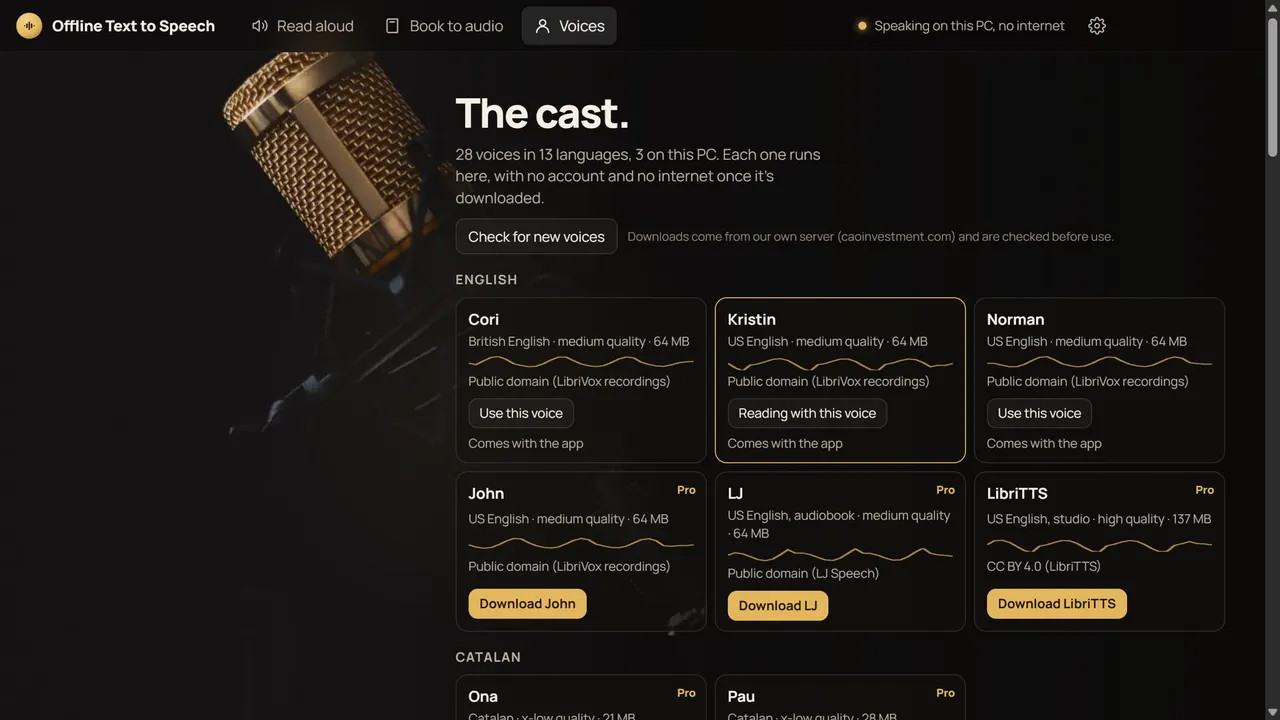
Yes. Offline Text to Speech reads with neural voices that run on your PC, so it works without the internet. Three voices come with the app; more are a one-time download.
Is it free?
Yes: three voices, 2,000 characters at a time, as often as you like, and saving as MP3. Pro adds every voice, any length and Book to audio for $9.99 once.
Can it turn a book into an audiobook?
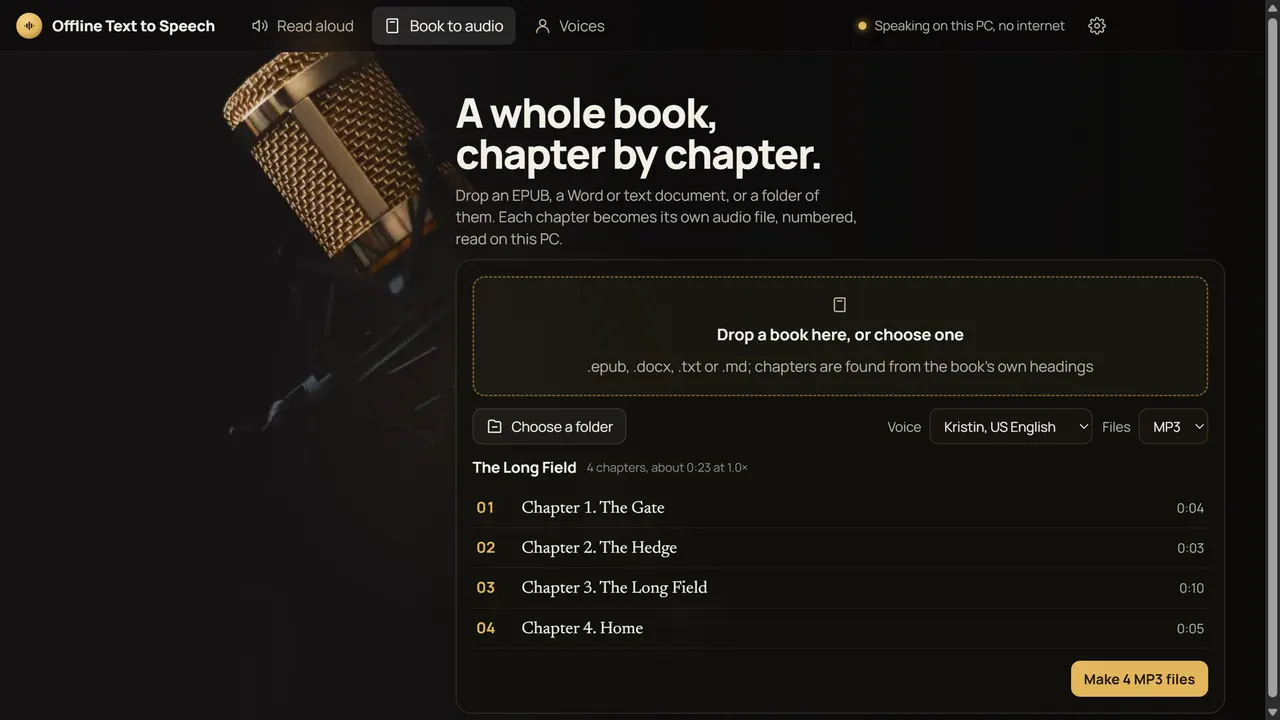
With Pro. Drop an EPUB, a Word document or a folder of text files on Book to audio and it makes one numbered MP3 per chapter, each starting with the chapter title.
How does it know which word is being read?
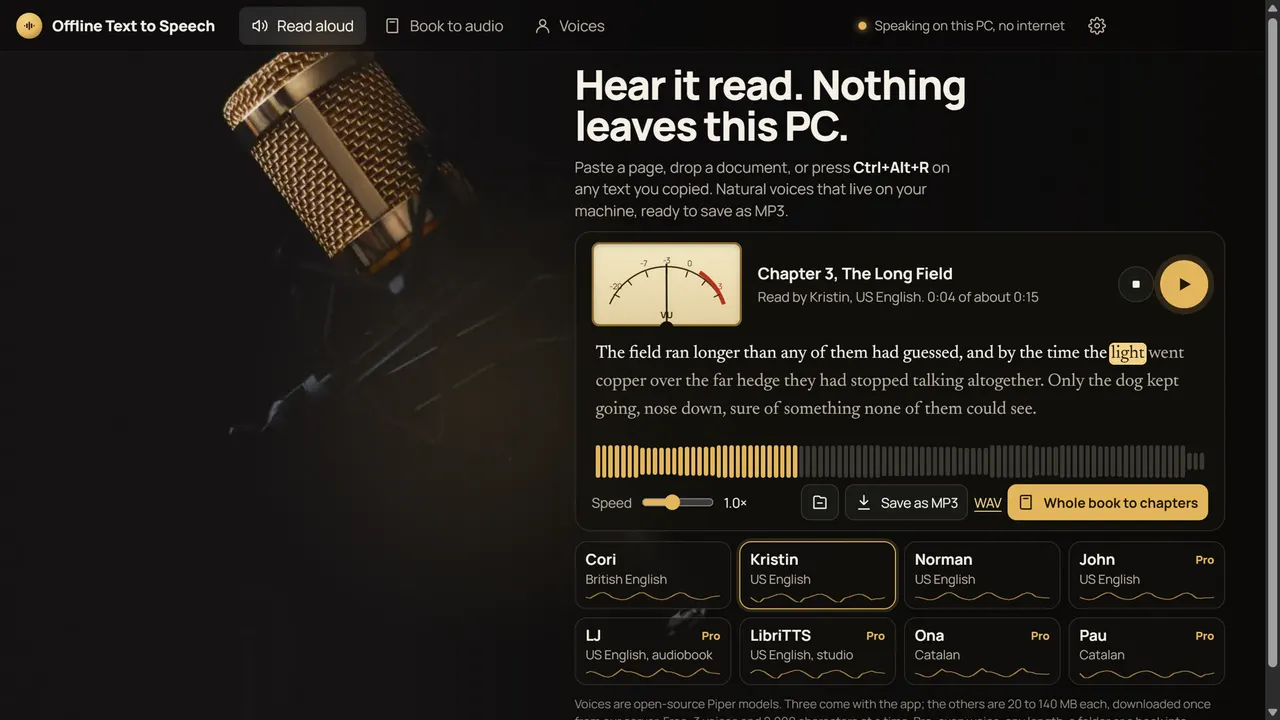
The voice engine reports how long each sentence takes and which sounds it made for each word; the app shares the time among the words by their sounds, so the highlight follows the voice.
Which languages are there?
English (US and British), Catalan, Dutch and Flemish, French, German, Greek, Icelandic, Kazakh, Nepali, Norwegian, Spanish, Swedish and Ukrainian.
Can I use the audio I make?
Yes. We only include voices whose training data allows commercial use (public domain, CC0, CC BY and similar). Voices trained on non-commercial data are left out. Credits for the voices that ask for them are in the app.
Is what I read sent anywhere?
No. The voices run on your PC. The only traffic is downloading a voice you choose, from our own server, and activating Pro if you buy it.
How do I read text from another app?
Copy it and press Ctrl+Alt+R. A small card beside the pointer reads it aloud while Offline Text to Speech is open or minimized.
What does Pro cost?
$9.99, once. Buy it on this website and paste the license key into Settings. It works on up to 3 PCs, and there is a 14-day refund, no questions asked.