Does slowing a song down change its pitch?
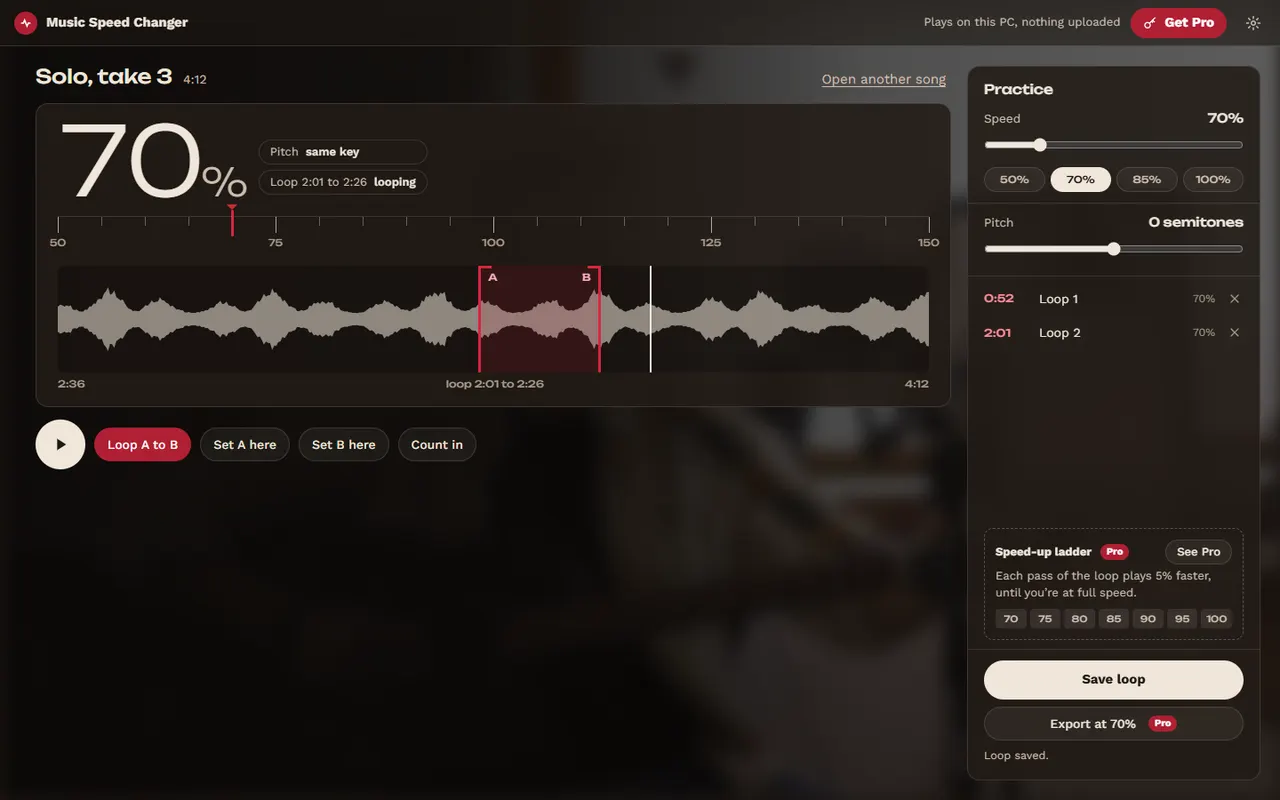
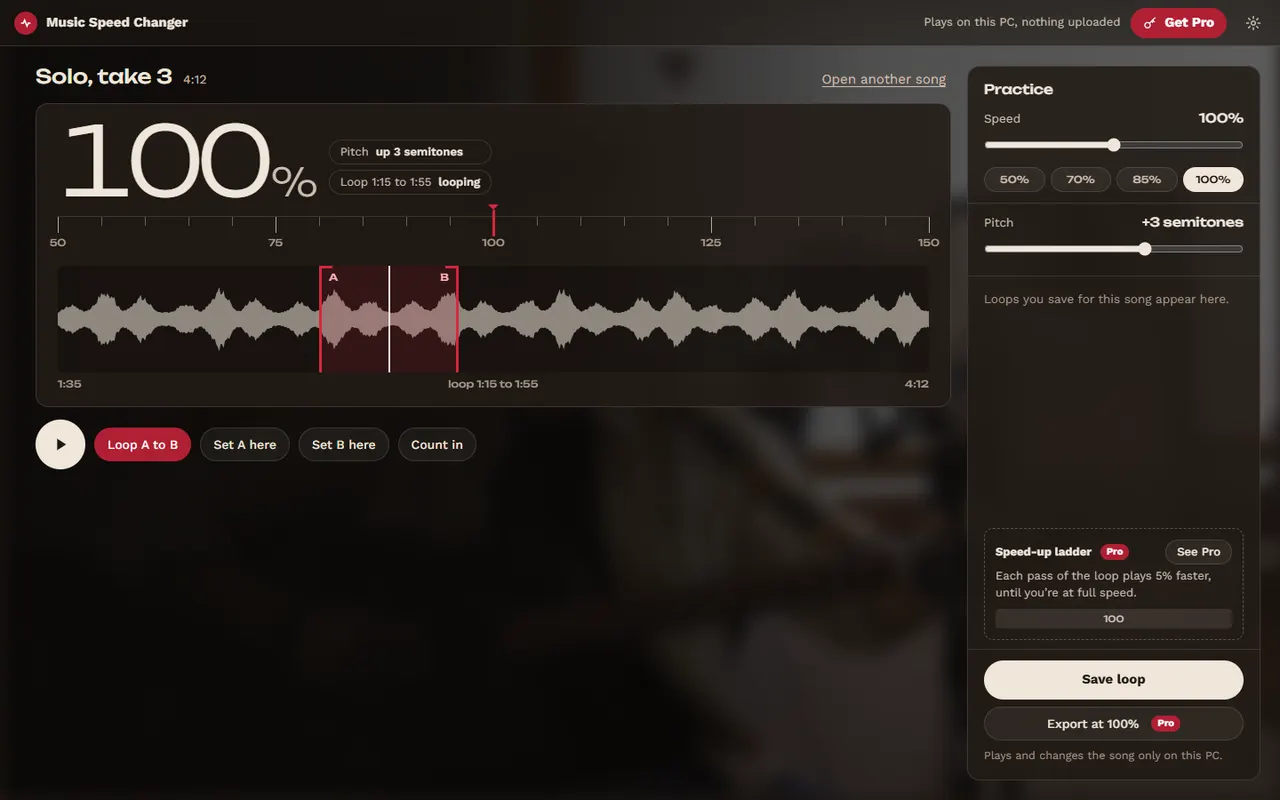
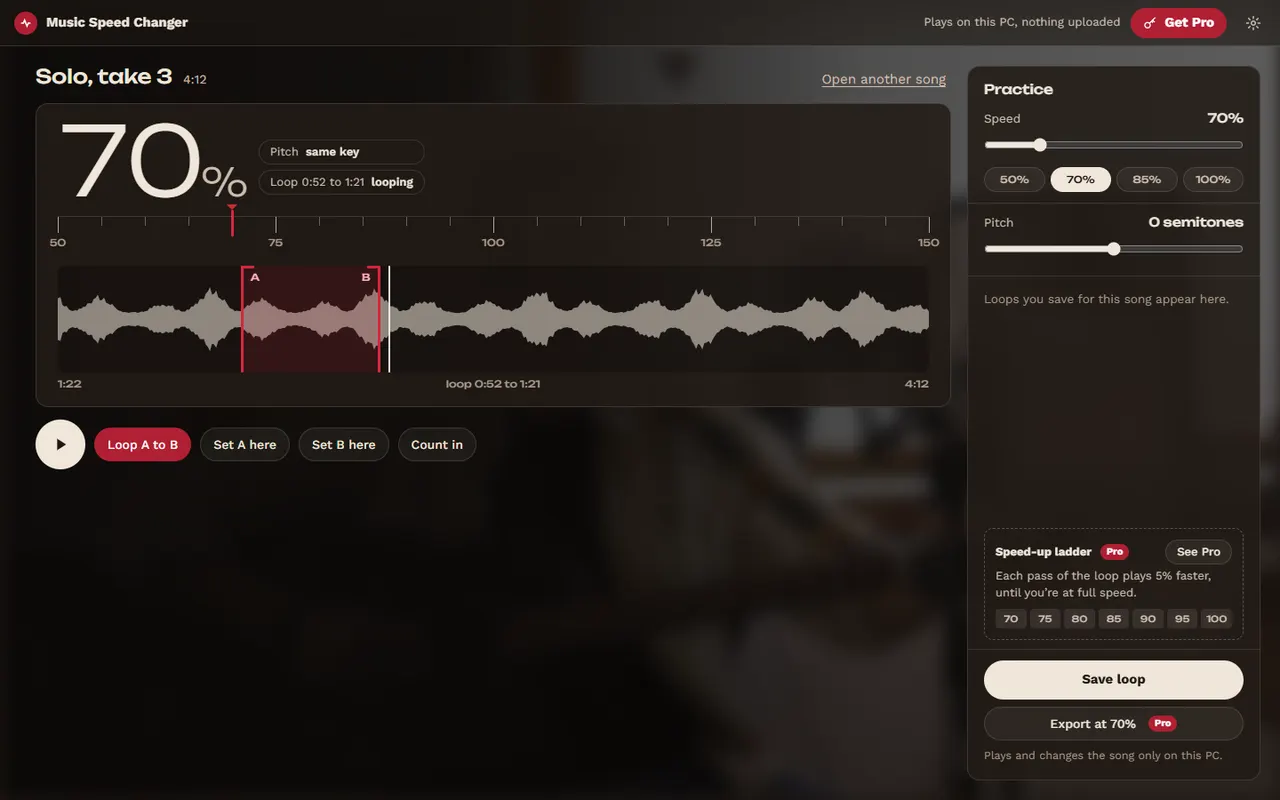
No. Speed and pitch are separate. The song stays in the same key at any speed from 50% to 150%, and you can move the pitch up or down on its own.
Is my music uploaded?
No. The song is opened, played and changed on your PC by a program that runs inside the app. It is never sent anywhere.
Does it sound as good as the original?
Slowing a song down, and especially below about 70%, adds some softness to sharp sounds like drum hits and plucked notes, as it does in every time-stretching tool. It is made for practising, not for releasing a recording.
Which files can I open?
MP3, M4A, WAV, FLAC and OGG, as far as your PC can play them. A file the app cannot read is said plainly.
Can I save the slowed-down song?
Yes, with Pro, as a WAV file at the speed and pitch you chose. The export is WAV only for now; WAV plays on every phone, PC and music app.
Where are my saved loops kept?
On your PC, in this app, not on a server. Free keeps up to 5 for each song while the app is open; Pro keeps every loop for every song across sessions.
Does it work offline?
Yes, after the first load. The app and its engine are kept on your PC.