How do I check a contractor license in California?
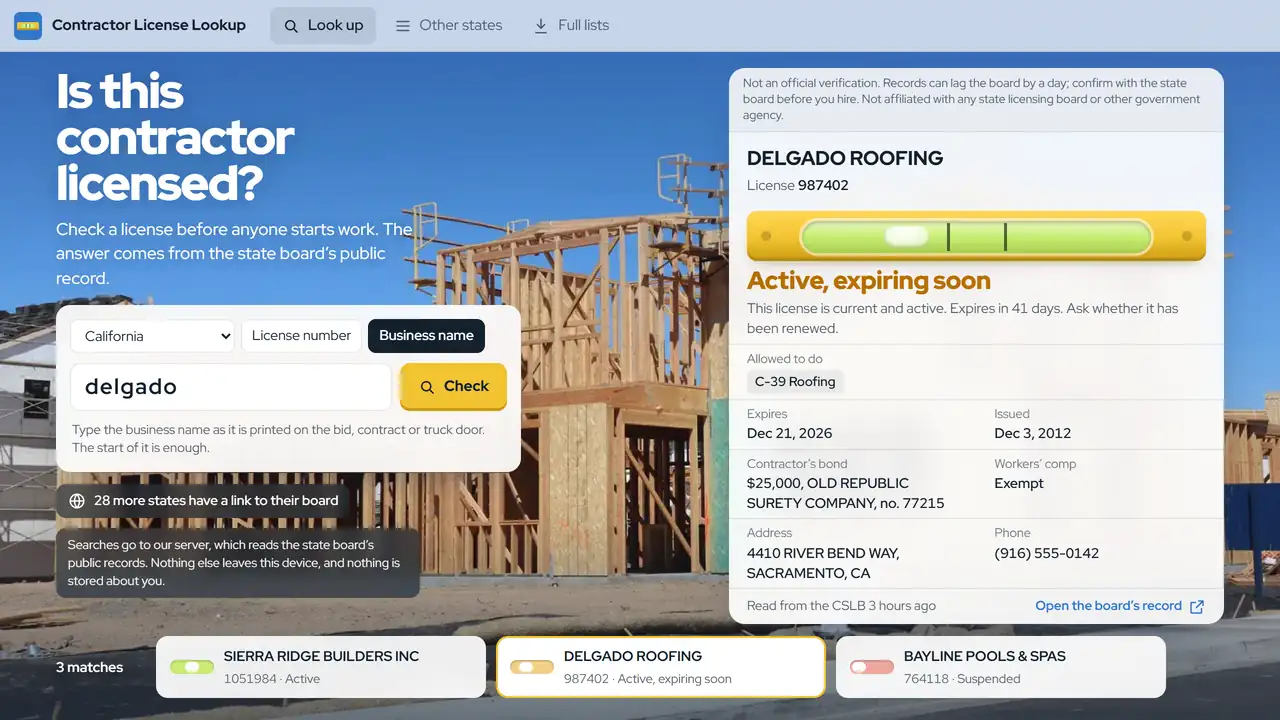
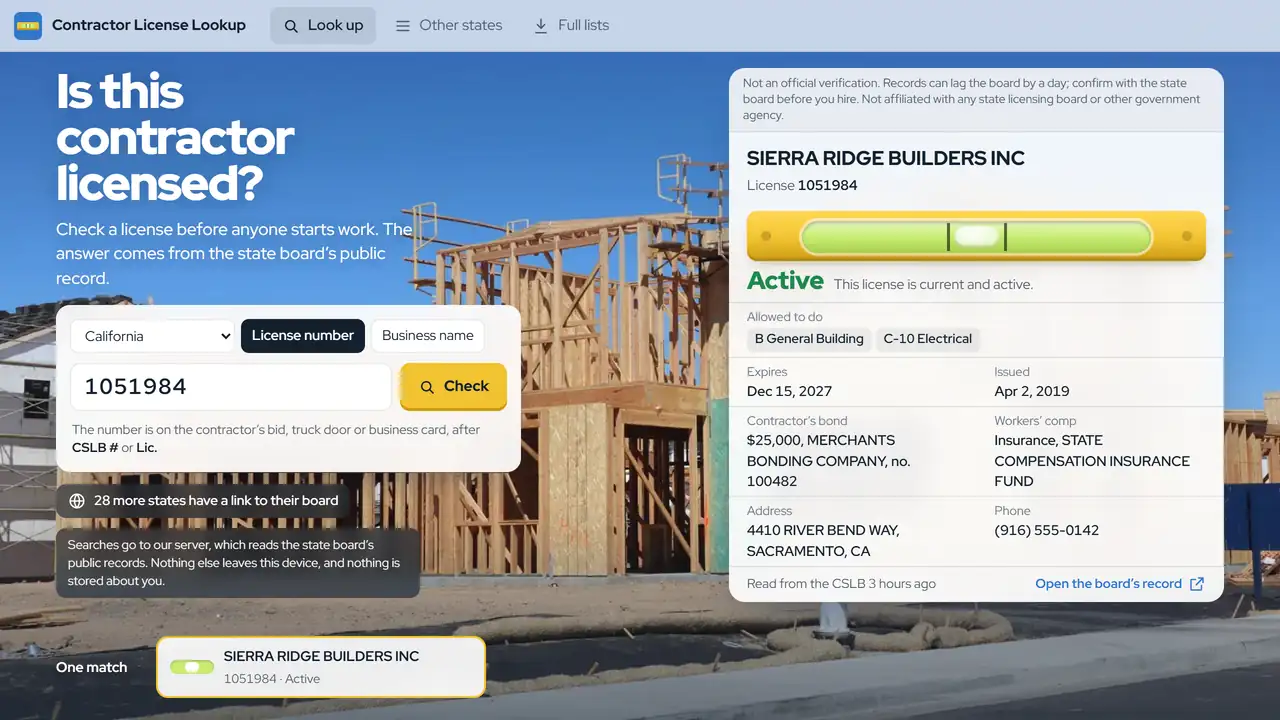
Choose California, keep "License number" selected and type the CSLB number from the contractor’s estimate, contract or truck. The result shows whether the license is active, its classifications, expiry date, bond and workers’ comp. You can also search by the start of the business name.
What do the classifications mean?
They are the kinds of work the license allows. In California "A" is general engineering, "B" general building, and C codes are trades, such as C10 electrical or C36 plumbing. Hire someone whose classification covers your job.
Is this an official verification?
No. It reads the state board's public records, which can lag the board by about a day. Before you hire, confirm on the board's own site; every result links to its record there.
Why does a license show as expired when the contractor says it is current?
Renewals can take a few days to reach the board's public records. Ask the contractor for proof of renewal and check the board's site.
My state isn't searchable here. What can I do?
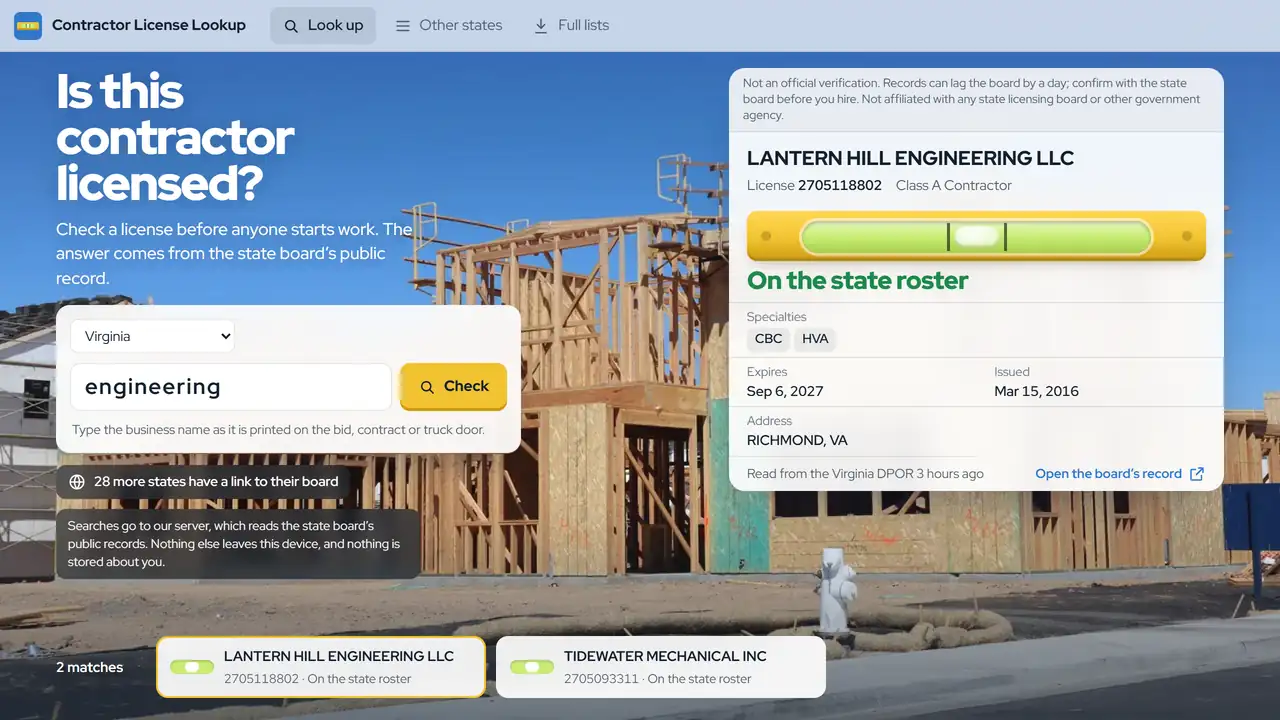
Pick it anyway: the app links to our lookup for that state board, which runs on Apify. California and Virginia are searchable right in the app.
Do you store my searches?
Your search goes to our server, which asks the state board's public records and sends the answer back. We keep a log of searches (what was searched, not who you are) to see which states to add next. Nothing is saved on your device, and there is no account.