Where is my data stored?
Your subcontractor list and certificates are stored on our server, so you can sign in from any browser and your subs can upload to you. Nothing is shared with other companies or with your subs’ brokers. The privacy page lists exactly what we keep.
How do the license checks work?
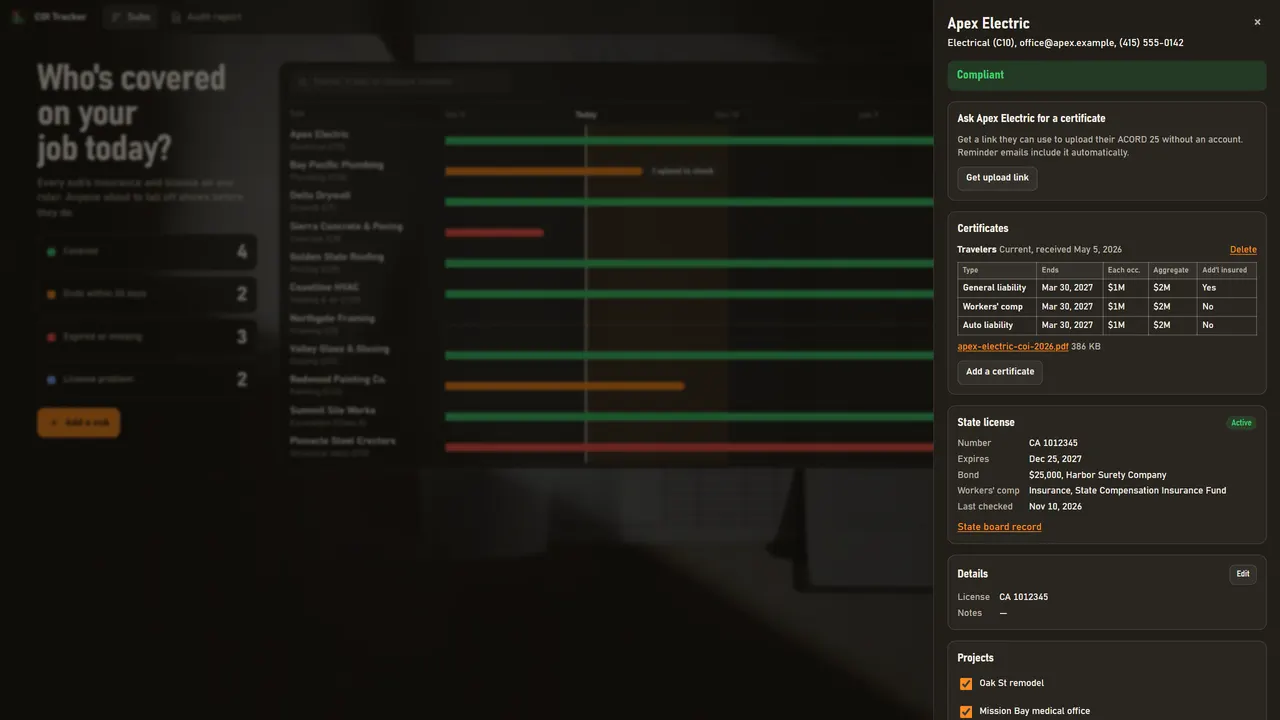
Every night we look up each California sub by license number and each Virginia sub by name in the state licensing board's public records (CSLB and DPOR), through our free Contractor License Lookup. Subs in other states are not checked automatically: enter the license expiry and we warn you before it passes. It is not an official verification; the board's own record is always one click away.
Do my subs need an account?
No. Each sub gets their own upload link that works for 30 days and up to 3 files. They open it, pick the PDF or photo of their certificate and send it. You confirm the dates and limits before it counts.
Does it read the ACORD 25 for me?
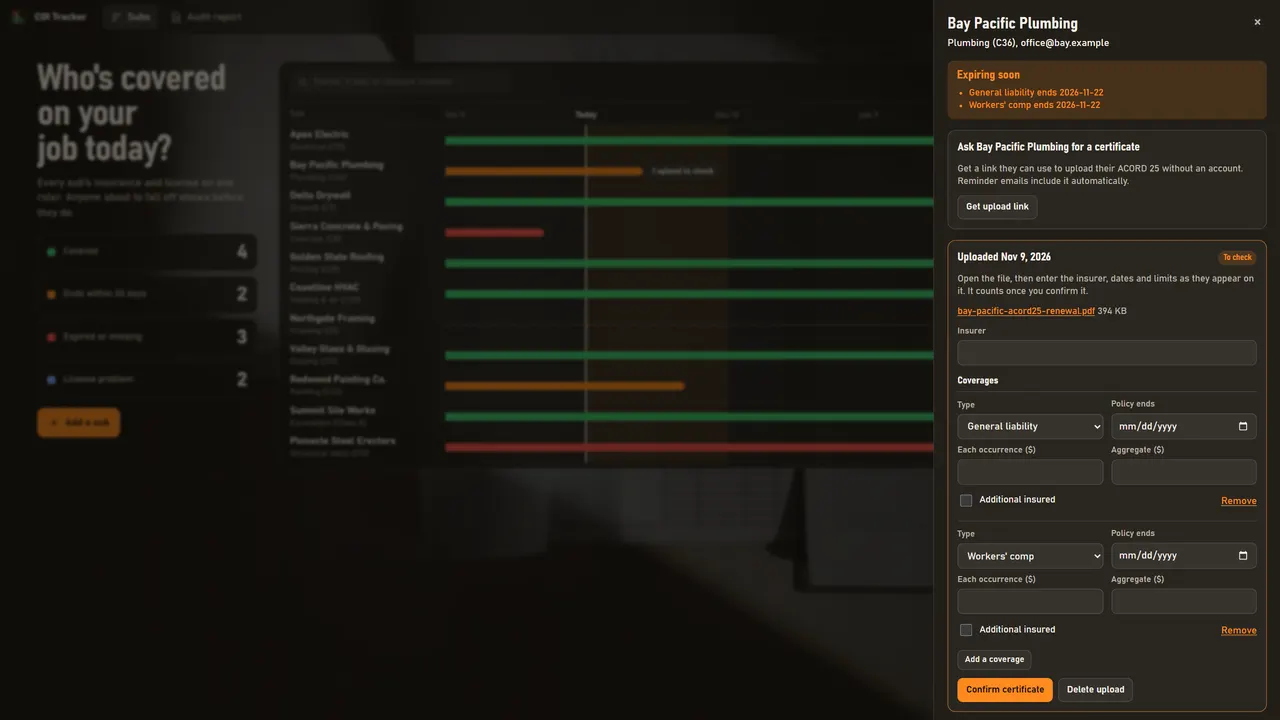
Not yet. You type the insurer, policy end dates and limits from the certificate once, in a form laid out like the ACORD 25, and COI Tracker does the date checking from then on.
What happens if I cancel?
Cancel anytime from Settings, and your account moves to Free. Nothing is deleted. If you have more subs than Free allows, the list becomes read-only, and export always works, so you can take everything with you.
Can I try it without signing up?
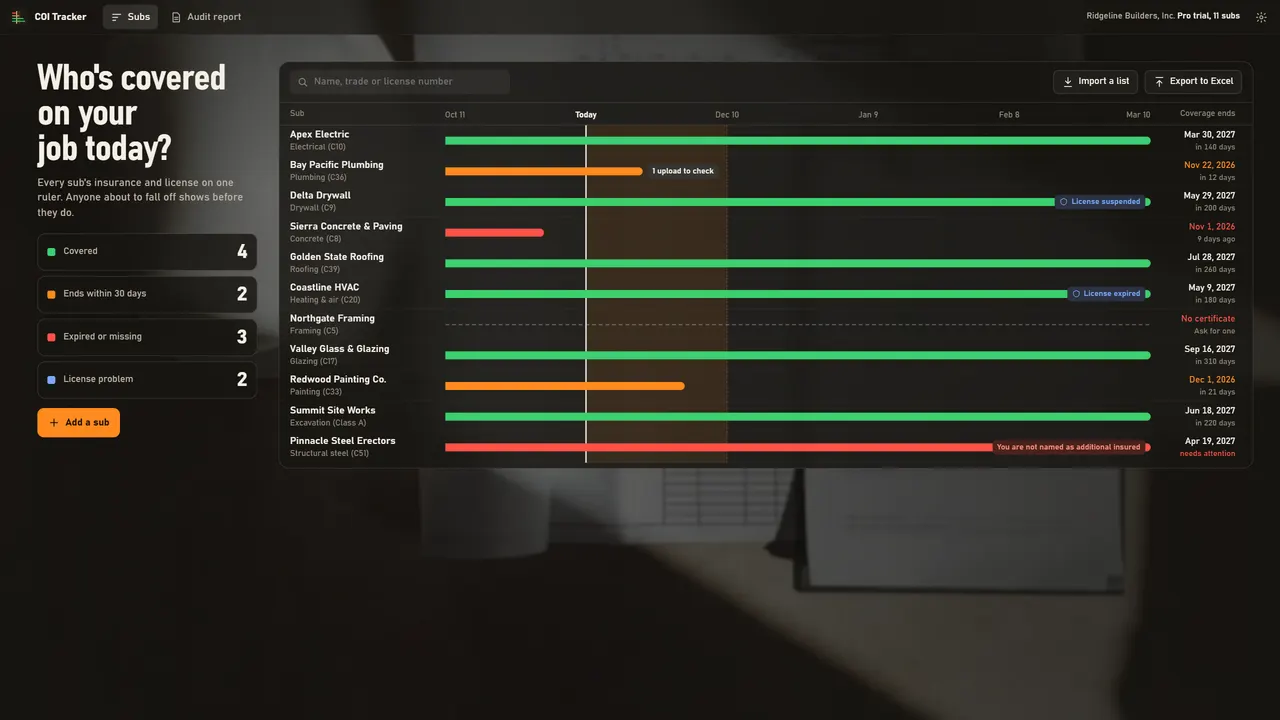
Yes. The demo opens the real app with a sample company and eleven subs, so you can click through every screen. Nothing you change there is saved. When you sign up, you get 14 days of Pro without a card.
How do I delete my account?
Cancel any paid plan under Manage billing, then Settings, Delete account. It permanently deletes every subcontractor, certificate and file. Download the zip export first if you want a copy.